Mail, calendars and files
Bring together notes, files, mail, calendars and contacts in your workspace.

DNAi / PRODUCT
Bring your day, messages, notes and files together on the iPhone you already use. DNDesk combines included apps, a unified timeline and encrypted saved sessions in one workspace.
Explore SSH, transfers and remote access ↓DNDesk / iPhone
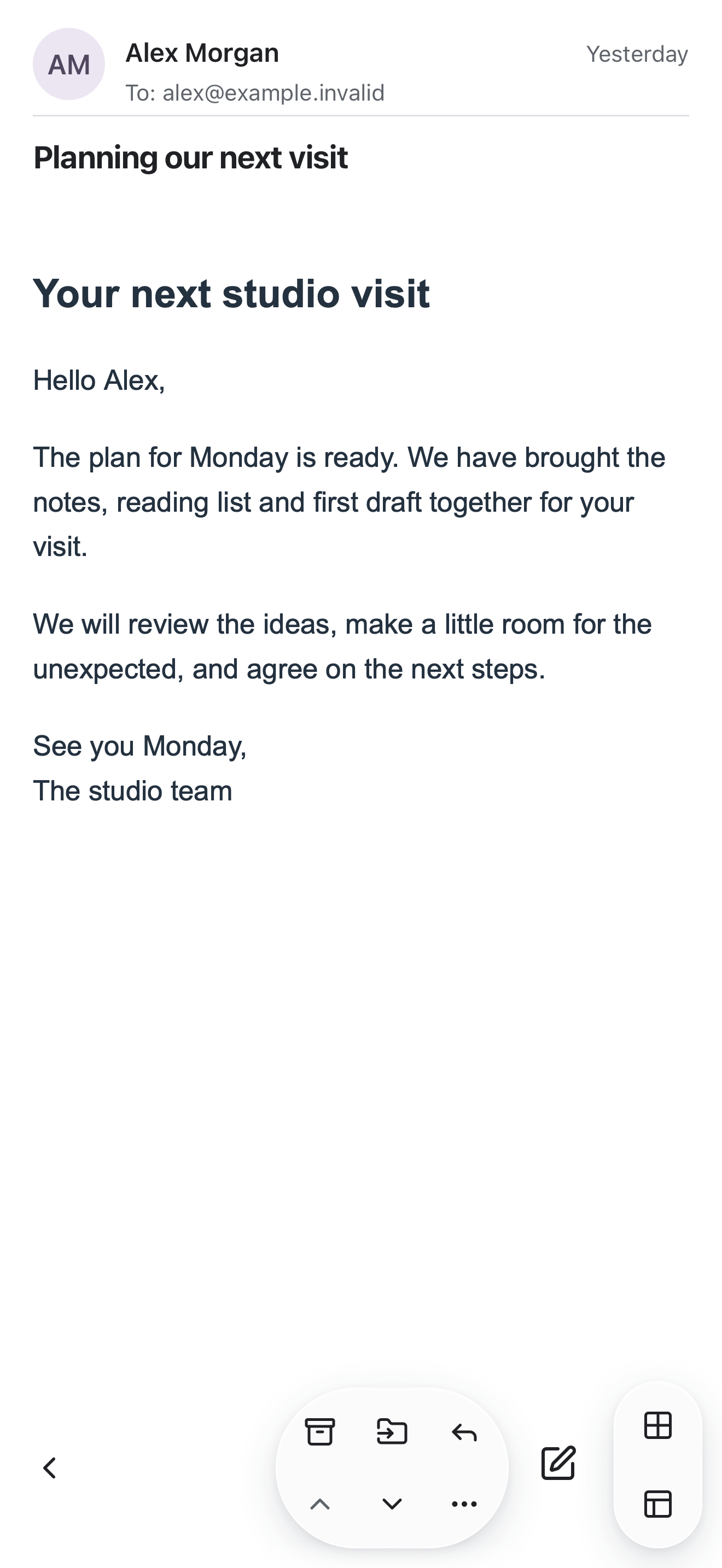
Read a message, check an appointment, find a file or take a note. DNDesk’s phone interface gives each app a focused view while retaining your live work as you move between apps.
Start with the built-in tools. Connect supported accounts when you need them; local calendars and contacts can be used without an account.
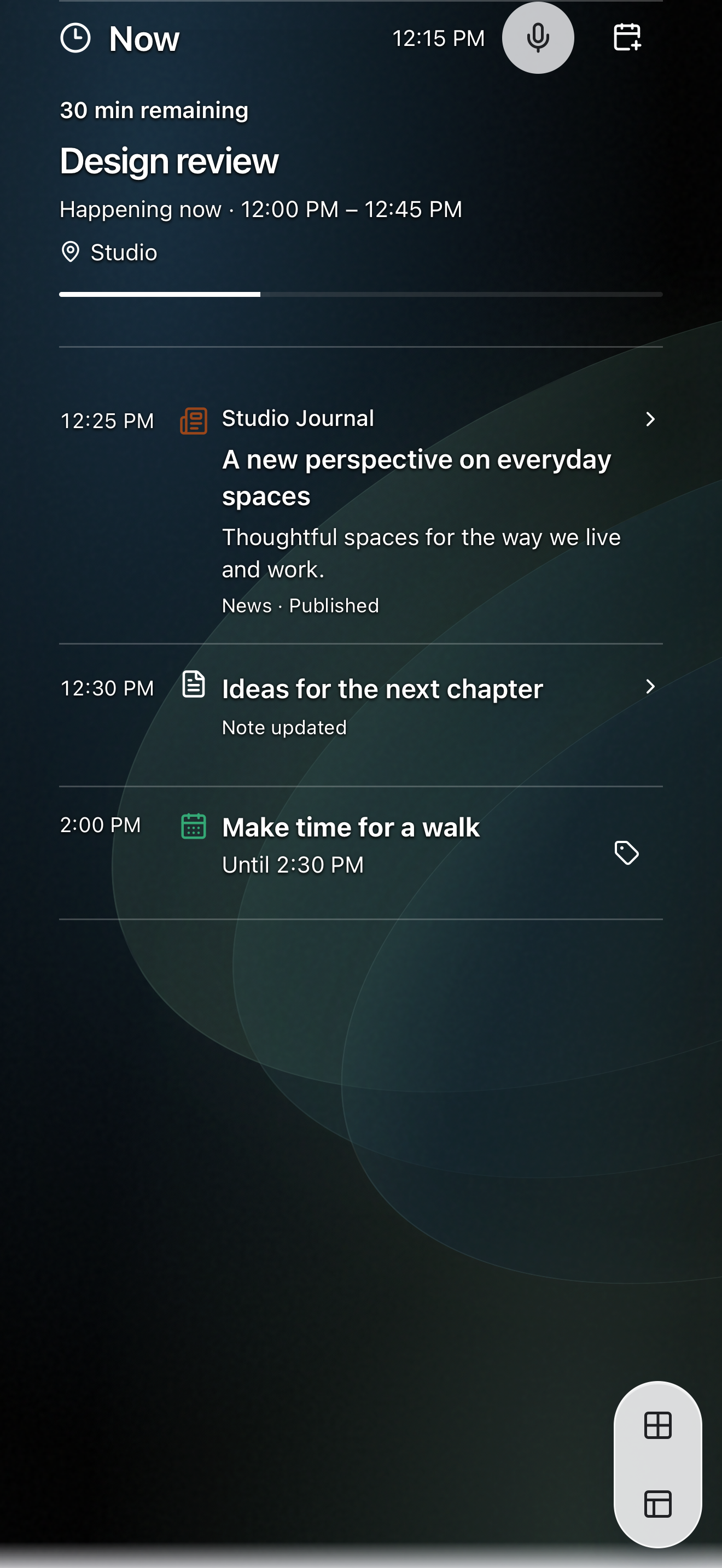
Appointments, notes and selected news appear together in the phone timeline.
DNDesk / TIMELINE
View appointments, tasks, reminders and notes alongside optional mail and news in chronological order. The Now view keeps the current moment visible, and each entry opens its corresponding app.
Choose the available sources you want to see. The timeline displays their information together while the original content remains in its app or connected service.
Use a focused view on iPhone or arrange your work on an expanded display. Move between Functions while keeping your place.
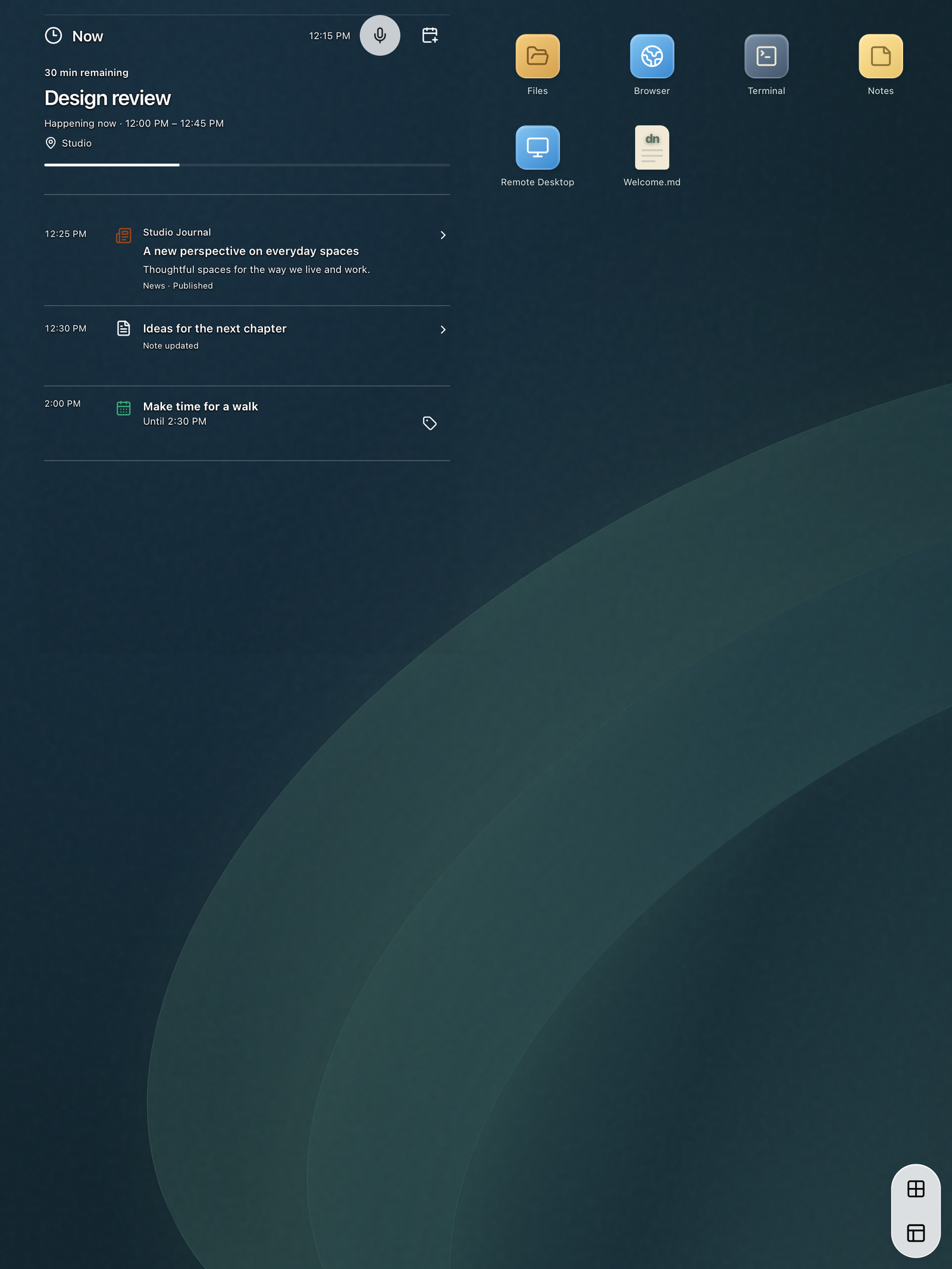
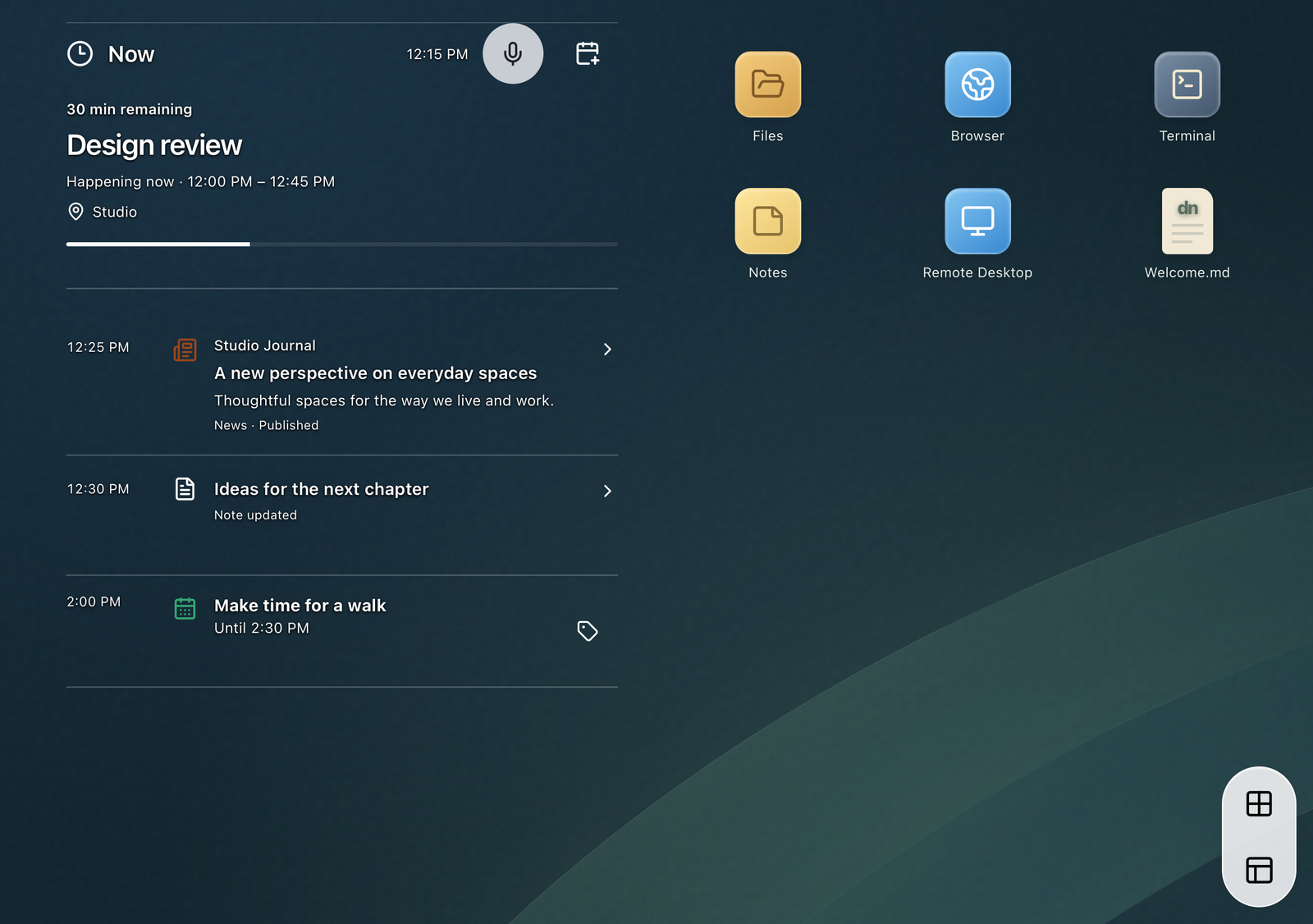
Bring together notes, files, mail, calendars and contacts in your workspace.
Choose the accounts and services you want to use, and manage the permissions you grant.
Keep saved work on your device and choose whether to synchronize selected data with iCloud.
Browse websites and news, connect to IRC, or work with a paired or remote computer.
AES-256-GCM / SAVED SESSIONS
In the native app, protected saved-session records and workspace files are encrypted using AES-256-GCM. Your saved workspace is protected at rest, with access tied to the session’s unlock credentials.
Saved-session data is encrypted on the device. Keep your session credentials and recovery materials secure.
Selected data uses DNDesk’s encrypted format for iCloud backup and synchronization. You choose whether to enable it.
Mail, websites and remote services follow their own protocols and policies. Session encryption protects saved workspace data; connection security depends on the service and configuration.
01 / DAILY WORK
The continuous timeline brings appointments, tasks and reminders together with optional mail and news. Open an item, work on it, and return to your place.
Work is saved on your device. Optional iCloud synchronization can share selected data between devices. Provider copies, local saves and cloud backups remain distinct.
02 / FILES & CONNECTIONS
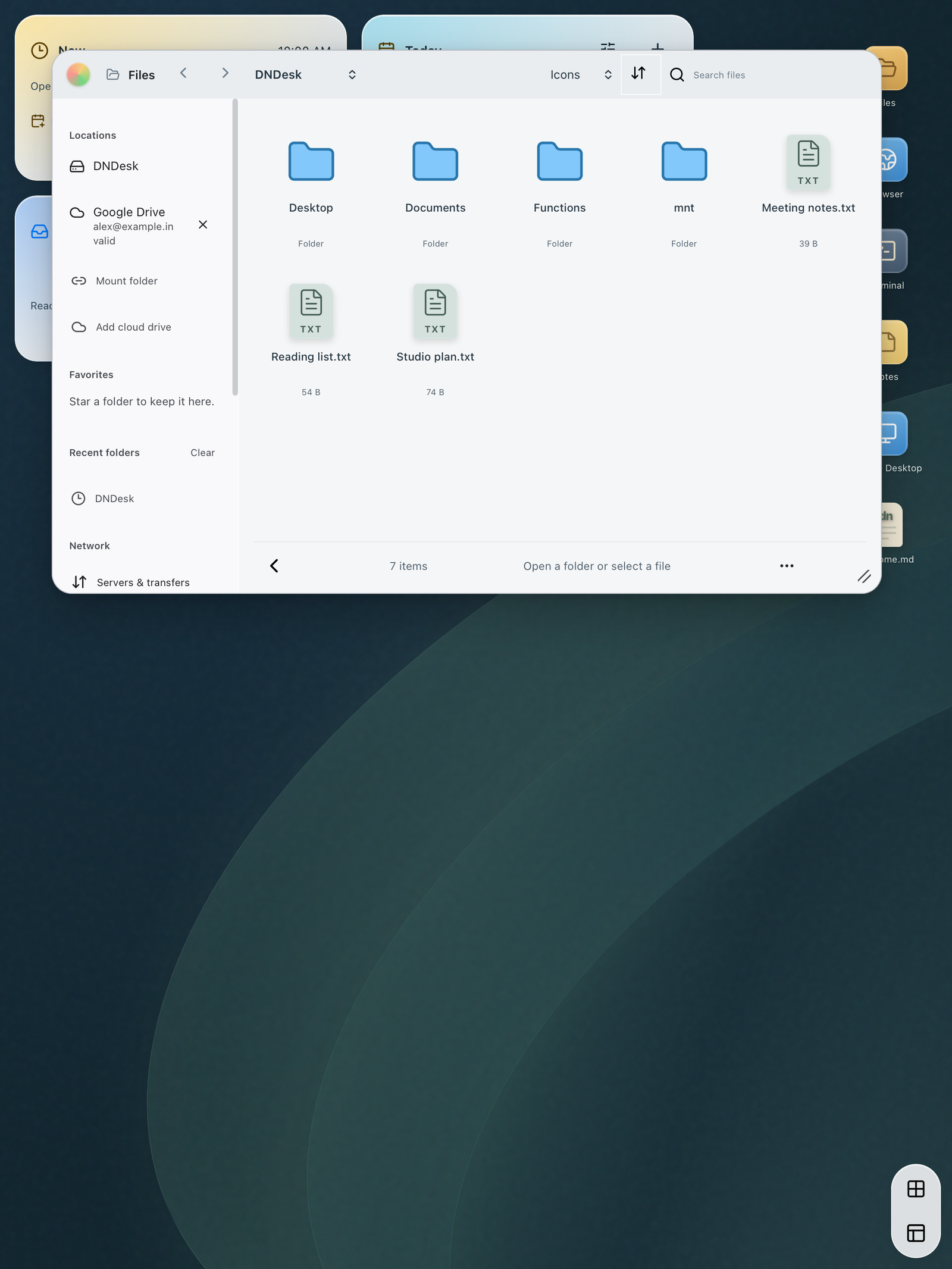
Browse your workspace files and supported connected storage. Write notes, organize mail and manage your calendar without leaving the workspace.
DNDesk / CONNECTIONS
Use your iPhone to connect to servers, transfer files or operate a remote computer. Hybrid also lets you access your DNDesk workspace from a paired computer.
Connect to a server’s command line from the native iPhone or iPad app. Use password or OpenSSH private-key authentication, including encrypted keys. First connections require host-key verification; changed keys are refused.
SSH · Passwords & private keysBrowse local workspace files, mounted folders and supported cloud locations. Use Transfers to upload, download and manage remote files, with a visual queue, progress and cancellation. The same transfer tools are available from Terminal.
SFTP · SCP · FTP / FTPS · WebDAV · S3-compatibleConnect directly from a supported native device to a reachable computer running a compatible VNC or RDP server. Use touch, trackpad controls, a keyboard and fit or zoom controls. Manage named connection profiles and independent sessions.
VNC · RDP · Direct native connectionsPair a computer’s browser with DNDesk using the phone’s consent and pairing controls. Work with supported DNDesk apps on the computer while shared documents remain owned by the phone’s saved session. In Hybrid, websites open on your phone.
Hybrid · Paired browser workspaceConnection types have different security requirements. Classic VNC is intended for a trusted LAN or VPN; it does not provide TLS or an SSH tunnel. Prefer encrypted transfer protocols. Server compatibility, native-device support, permissions and plan availability apply.
Available plans, local prices and any trial eligibility are shown in the app’s Apple purchase screen. Features can depend on your device, operating system, account permissions, connected services and selected plan.
Yes. Choose supported accounts and integrations individually. You can also review or revoke provider permissions through the provider’s account controls.
No. iCloud backup and synchronization are optional. A local save and a confirmed cloud upload are separate operations.
Supported Apple Foundation Models assistance processes sources on the device. Availability depends on compatible hardware, system settings and the feature. See the privacy policy for automatic Mail assistance and its controls.
Email app@dnai.ca for product support. For privacy questions and requests, contact info@dnai.ca.
Read how DNDesk handles your information and the terms that apply to its use.
DNDesk privacy policy ↗DNDesk terms of service ↗